Log Periodic Calculator
Home: ky8d.net/free
Design a log-periodic array for any of ten different element types. Export your design for analysis in any of three formats: *.nec, *.ant or *.maa. Export it also to 3D CAD in the universally supported *.iges file format.
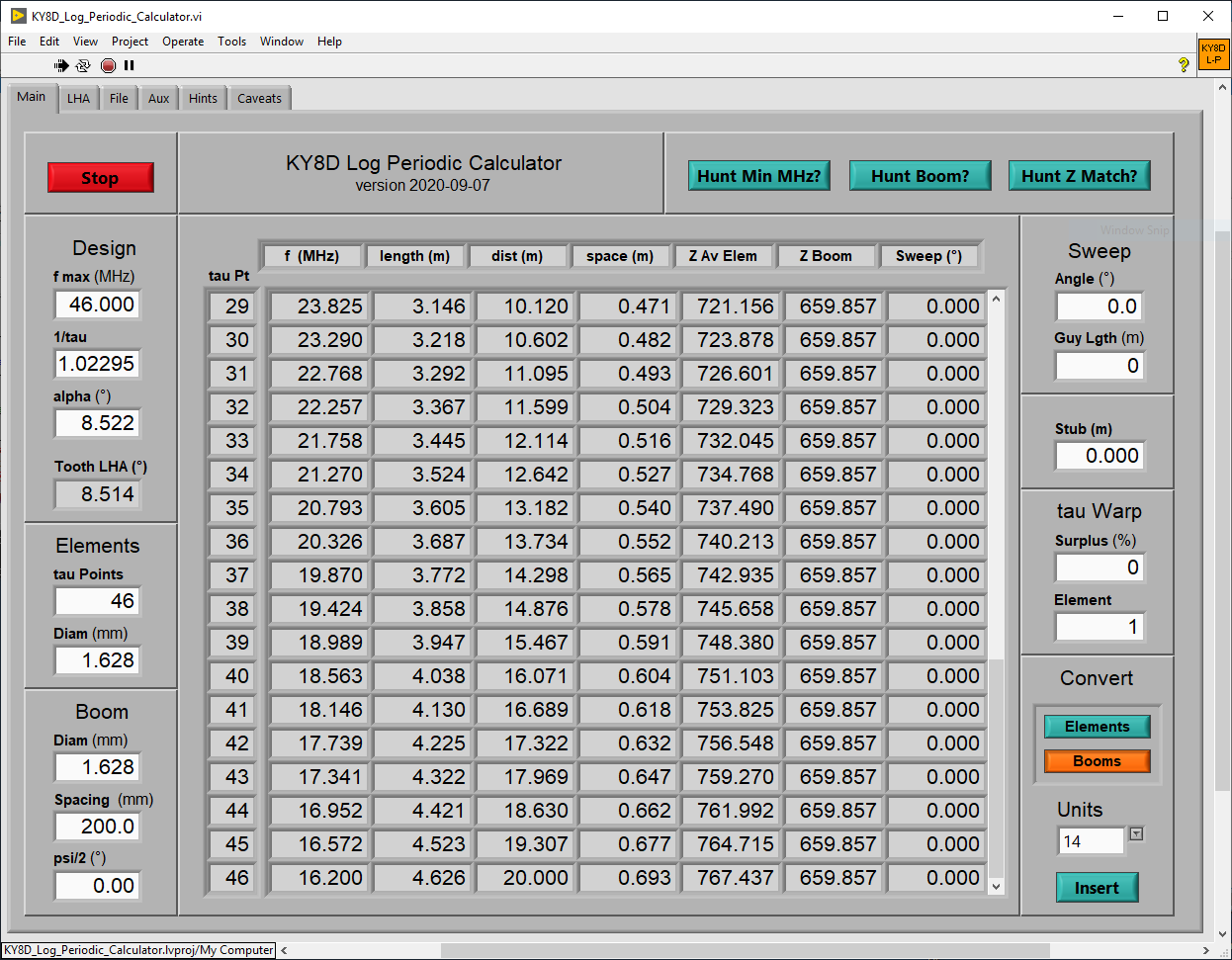
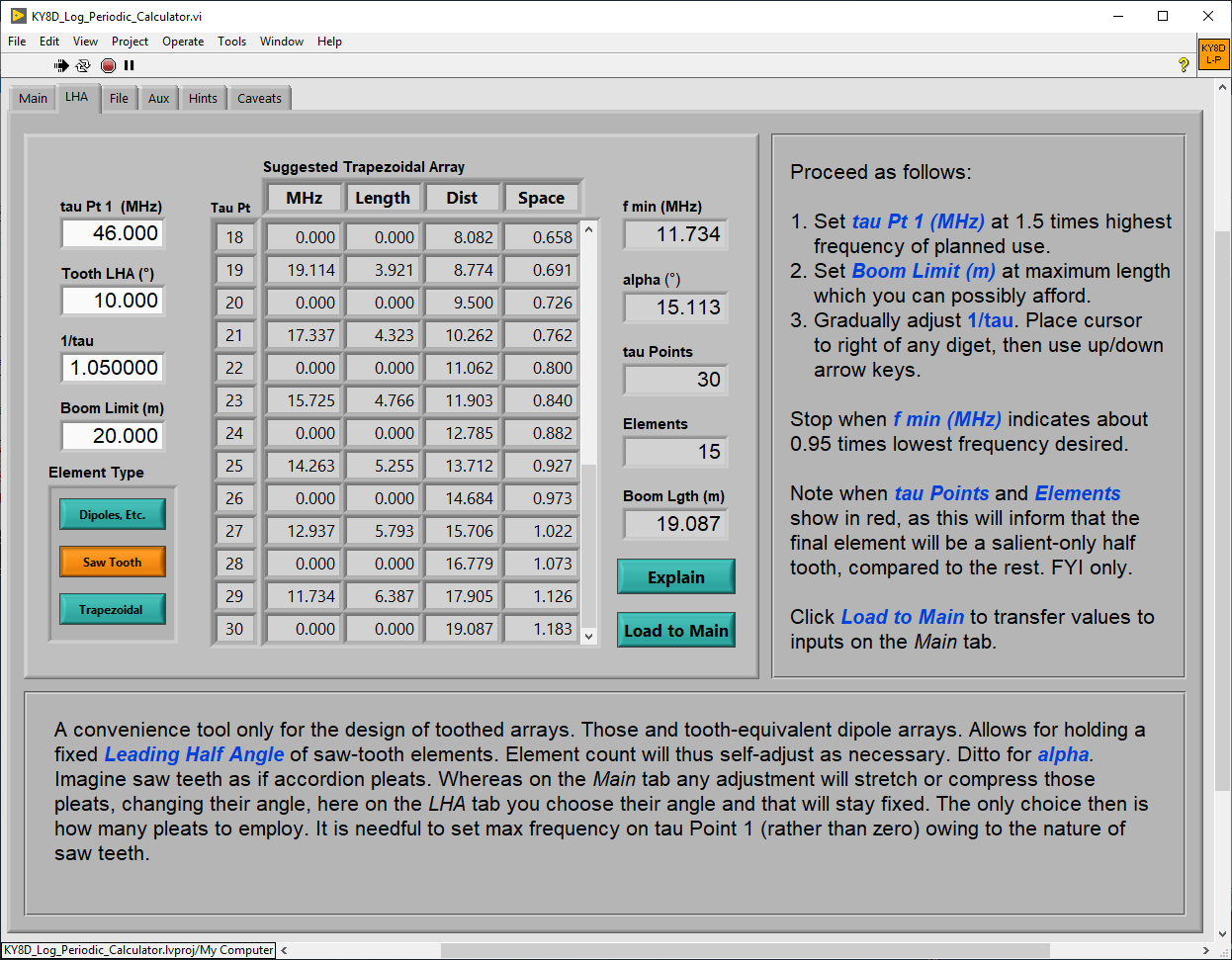
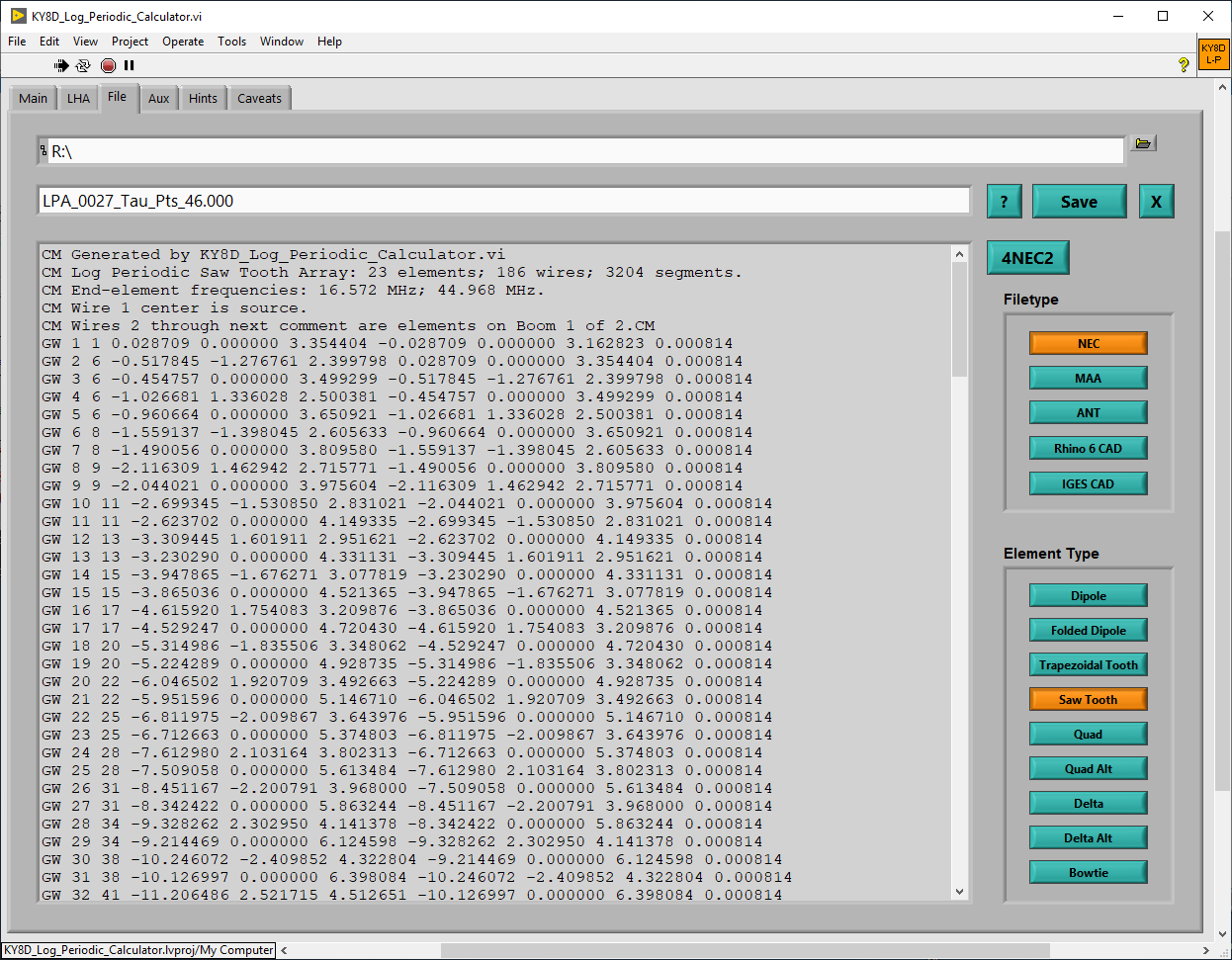
Front and center on the calculator's main tab is a scrollable array of all the more important measures useful in creating a common dipole array. Alternately, if designing a toothed array, start with the LHA (leading half-angle) tab next to that. Then on the File tab make a choice of nine different element types. Like so for a single-antenna build.
Or, better yet, output plural iterations of a design, then batch-analyze the whole lot to choose which might be best. How many elements are enough without overhsooting? Which design offers the lowest and flattest SWR? Which height and attitude affords the best gain? Set your computer to crank out a hundred or more slightly tweaked versions while you, yourself are AFK for the duration.
Analyze 100-plus files just as easily using the $39 NEC engine Nec2Go. All that's required is that 3rd-party program plus one of several free *.exe utilities which I wrote to support it. Learn about those on their own separate page: HTTP
The example graphics below were generated by CAD from IGES files output by my calculator. After importing, I rounded off corners and fattened the wires up to pipe size, then took screenshots. Easier, that way, than trying my own hand at making actual art.
-
Dipoles ↑ →
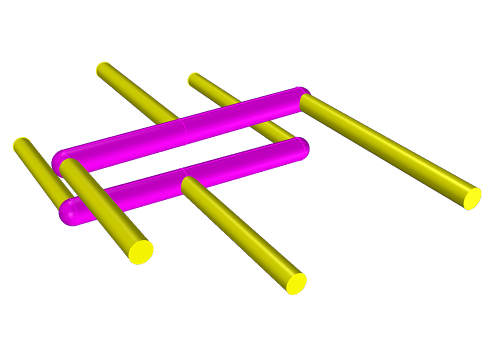
Dipole
|
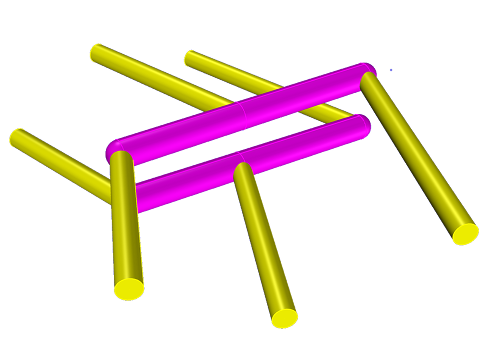
Swept Dipole
|
Above examples are both the same type, shown with differing angles of sweep. Only dipoles respond to non-zero angles of sweep.
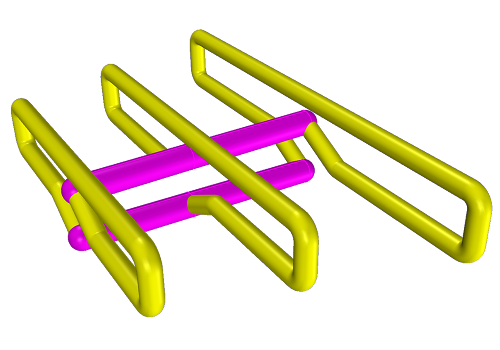
Folded Dipole
|
A necessary constraint imposed on folded dipoles is that, whatever you choose by way of inter-boom spacing, the fold-back wire will work out to an exactly equal spacing. Also for folded dipoles, closedly spaced parallel wires are divided into equal-length sections. This so that auto-segmentation for NEC will adhere to best practice.
-
Wire Teeth ← ↑ →
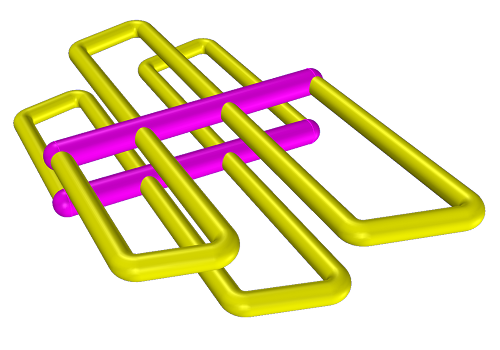
Trapezoidal Tooth
|
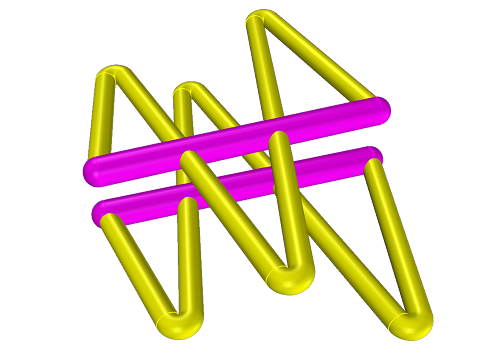
Sawtooth
|
Wire tooth arrays will exhibit a slight frequency shift from the dipole-based calculation. Two, or possibly three iterations through an NEC analyzer may be required to exactly bracket desired ranges. Worth the effort, however. Very especially for sawteeth. Expect, however, for input Z to be of a high order.
Note: saw teeth expresed as a wire outline are sometimes differentiated between 'cross-tooth' (as pictured above), and 'zigzag'. This latter is when the final element appears as a back-swept dipole (terminated at the apex, not returning back to the boom). You can have it either way. Ref: XML
-
Full-Wave Loops ← ↑ →
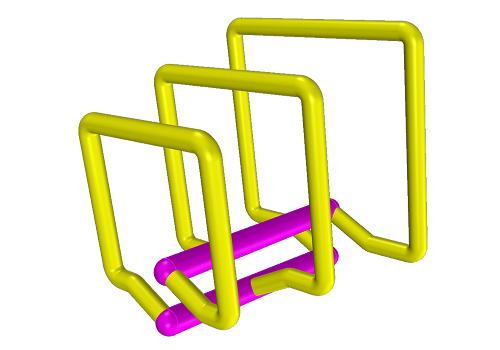
Quad
|
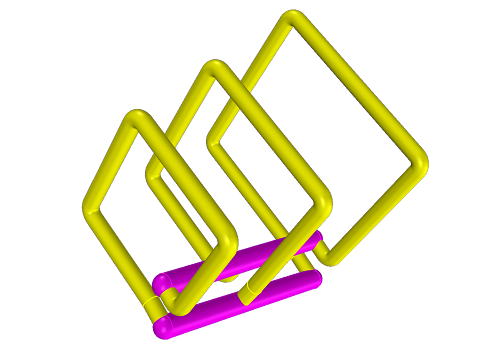
Quad Alt
|

Delta
|

Delta Alt
|
Full-wave loops afford, on average, gain of 2dB over a dipole.
-
Bowties ← ↑
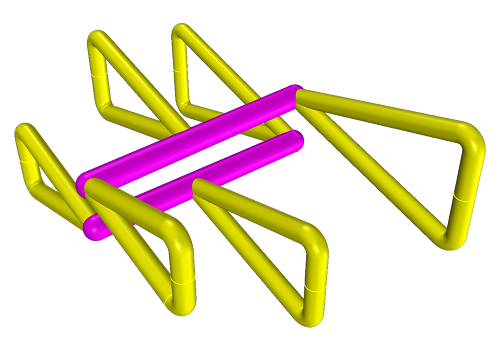
Bowtie
|
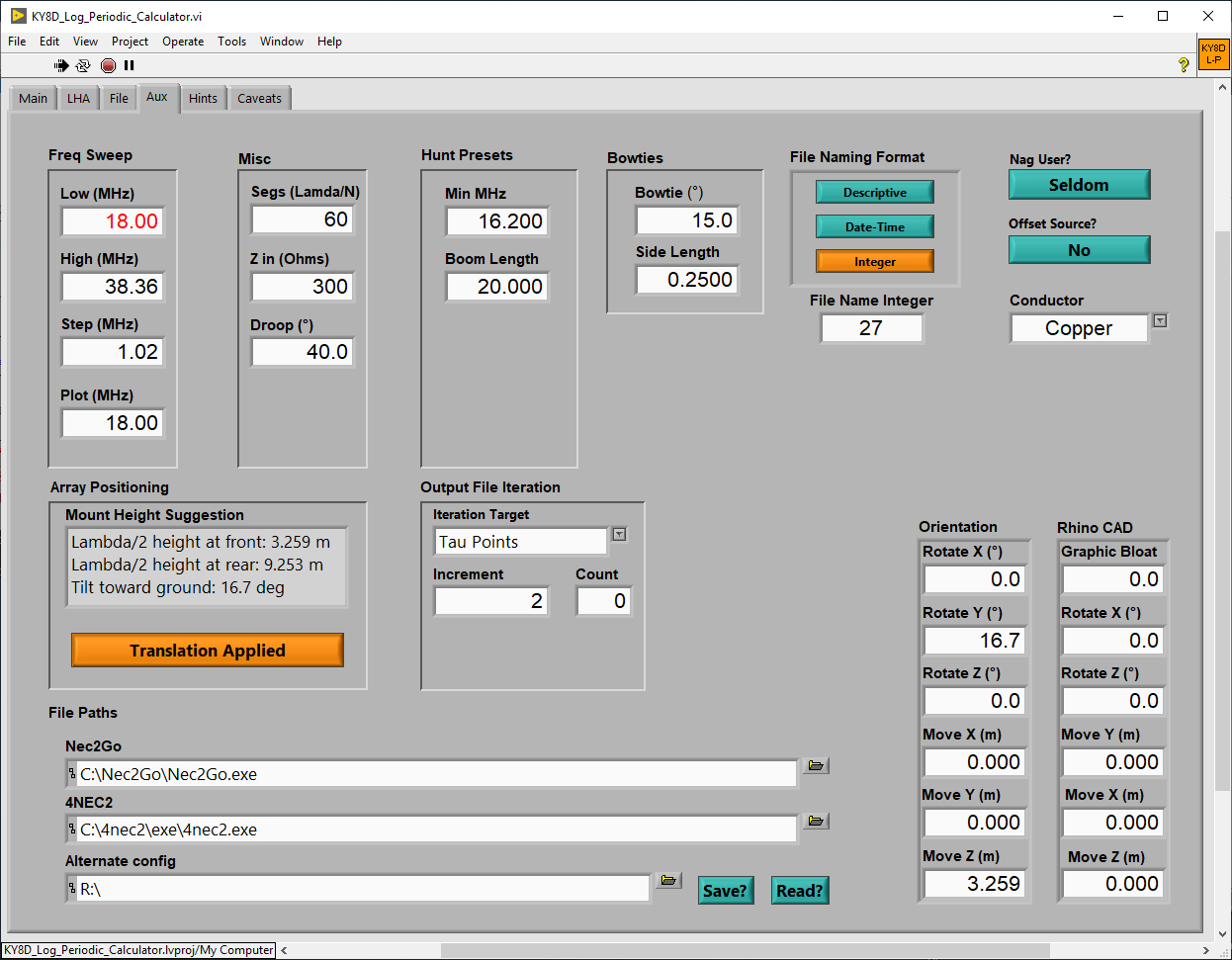
Bowties are tricky, their frequency being dependent on both the apex angle and side length. Separate controls for both of those can be found on the calculator's Alt tab. If bandwidth too wide, narrow the angle.
My calculators all work like toys. Your creativity will not be channeled through a series of Y/N decision gates. It's a free-running loop, with every design parameter fully alive all the time. Work it by just playing around to see what results. Give that a few tries just only for starters.
Once you've got a feel for the concept, then proceed methodically. Employ the self-sequenced buttons for automatated hunting. Click once and sit back while boom-length, etc, auto-dial in their own adjustments.
Having got used to automated-hunt features, move on to the ultimate concept: multiple-file, automated design iteration.
-
At a Glance ↑
Here are of the calculator's three main tabs, 50%-reduced. Click on any to see it full sized.
-
General ↑ →
Find a full description of all controls here:
List of Controls
- If calculator seems un-responsive, mind the LabVIEW Run/Stop icon: little black/white arrow up at top left.
- If needing to free up CPU usage for some other process, just stop it for now and restart it later.
- Like that if in the mean while you're not wanting all the controls to return to defaults.
- Because nothing gets saved. A full program exit loses all.
- Right-click on any GUI widget to get a description of what it is for.
- Keep this calculator and your NEC2 front end both open and running for quick-and-easy back-and-forth switch-offs.
-
How-To Videos ← ↑ →
These are very high resolution. Thus also very large files. Best to download first (rather than stream) if wanting to view on a smartphone. Because of that, though, you'll enjoy being able to read any text showing on my computer.
- Introductory how-to video here: MP4 (1080p, 697MB)
Needs updating to cover new features.
-
NEC Analyzer How-To ← ↑
You simply must have one or another of these, just on general principals. I have four: Nec2Go, EZNEC, 4NEC2, and MMANA-GAL. As regards use with this LPA calculator, I have a separate help page here: XML
HTML Link at left leads to where I'm collecting example LPAs. There you'll find graphs, models, everything.
Should you have a special need for an LPA not exampled, contact me via QRZ. If your need is interesting, I might model it for you gratis.
Borrower beware! Yae, verilly. Though woe and lamentations betide you, know that already I’ve washed my hands. Sue me not. This is my standard End-User License Agreement. I wrote this utility solely and only for me. Nevertheless, you are welcome to share it for free. No promises whatsoever are made. There’s a bug in here somewhere of which I am blissfully unaware. There always is. That is in the very nature of freeware. It’s just how things are. Enough said.
You’ll need two things for it to run: my *.exe application itself, plus also the interpreter program on which it runs. Kind of like Java that way, except that the Java interpreter is probably pre-installed on your system. The LabVIEW run-time engine will not be.
-
LabVIEW Runtime Engine
- This is the interpretor program.
- Or, should it please you, the entire LabVIEW programming environment.
- Link back to
ky8d.net/free where I give download instructions.
-
KY8D_Log_Periodic_Calculator.exe
-
Important! After downloading, employ a stand-alone
ZIP archive software (like 7-Zip ) for extracting the *.exe file to somplace useful prior to trying to run it. Otherwise, Windows will issue dire warnings of an unrecognized app. Once extracted from out of its ZIP archive, however, Windows will know to pass it off to the LabVIEW Run-Time Engine instead.
- Generates plural types of log-periodic arrays.
- Outputs file files in plural formats: NEC, ANT, MAA, IGES, and Rhino 6 macro text.
-
Source The LabVIEW source code.